Python vs Excel for Data Analysis: A Framework for Choosing the Right Tool
April 22, 2026 · Framework First Academy
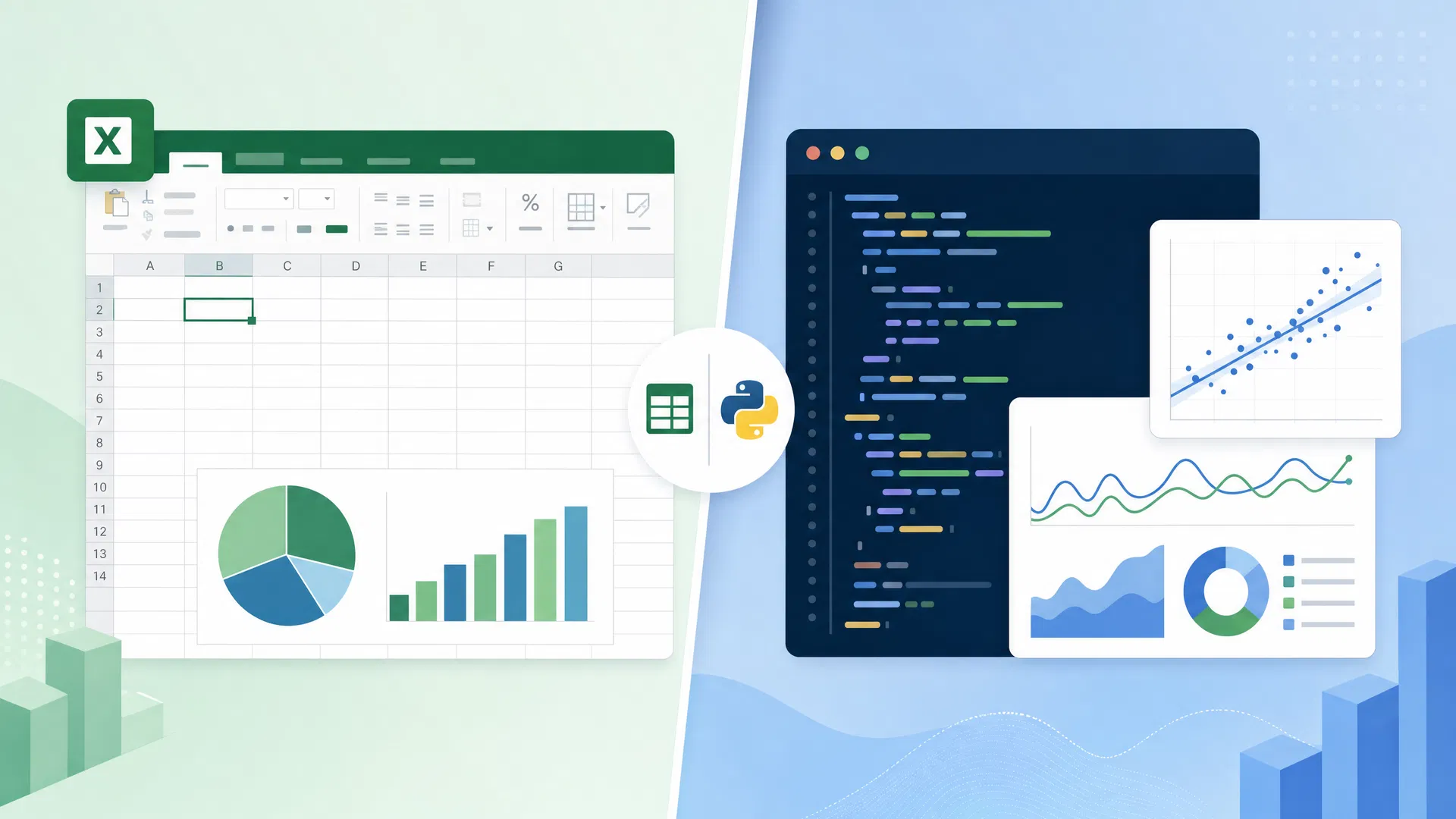
The debate between Python and Excel is one of the most reliably contentious in the world of data analysis. Python advocates argue that Excel is a legacy tool that produces unreliable results and cannot scale. Excel advocates argue that Python is over-engineered for most business problems and creates a dependency on technical specialists. Both sides are partially right — and both sides are missing the point.
The question is not which tool is better. The question is: which tool is right for this specific problem, in this specific context, for this specific user?
That is a framework question, not a tool question. And answering it well requires understanding what each tool is actually optimised for.
What Excel Is Actually Good At
Excel is one of the most widely used software applications in the world, with an estimated 750 million to 1.2 billion users. Its dominance is not an accident of history. Excel is genuinely excellent at a specific class of problems.
Excel is optimised for interactive, exploratory analysis of moderate-sized datasets where the analyst needs to see the data and the calculations simultaneously. The grid interface — where data, formulas, and results are all visible at once — is cognitively well-suited to the kind of ad hoc analysis that most business users perform most of the time. Excel is also optimised for communication: a well-structured Excel model is readable by any business professional, without requiring any technical knowledge.
Excel's weaknesses are equally specific. It does not scale well beyond a few hundred thousand rows. It is vulnerable to formula errors that are difficult to detect and audit. It does not support version control or reproducibility in the way that code does. And it is poorly suited to the kind of complex, multi-step data transformation that is common in data engineering and machine learning workflows.
What Python Is Actually Good At
Python is optimised for a different class of problems. It excels at processing large datasets that exceed Excel's capacity. It supports reproducibility — a Python script run on the same data will always produce the same result, which is not guaranteed in Excel. It enables automation — a Python script can be scheduled to run automatically, process new data, and produce updated outputs without human intervention. And it supports the full data science workflow, from data ingestion through modelling to deployment.
Python's weaknesses are also specific. It has a steeper learning curve than Excel for non-technical users. It requires a development environment, version control, and dependency management — overhead that is unnecessary for simple analyses. And Python code is less immediately readable to non-technical stakeholders than a well-structured Excel model.
The Decision Framework
A useful framework for choosing between Python and Excel considers four dimensions: dataset size, reproducibility requirements, automation requirements, and audience.
If the dataset is small enough to fit comfortably in Excel (under 100,000 rows as a rough guide), the analysis is exploratory and ad hoc, the audience is non-technical, and the analysis will not need to be repeated automatically, Excel is almost certainly the right choice. Adding Python to this scenario adds complexity without adding value.
If the dataset is large, the analysis needs to be reproducible and auditable, the workflow needs to be automated, or the analysis feeds into a machine learning pipeline, Python is the right choice. Using Excel in this scenario introduces fragility and limits scalability.
The most common mistake is not choosing the wrong tool for a given problem. It is failing to think about the choice at all — defaulting to whichever tool is most familiar, regardless of fit. A data analyst who uses Python for every problem, including simple ad hoc analyses that Excel would handle in minutes, is not being rigorous. They are being inflexible. An analyst who uses Excel for large-scale data processing that exceeds its capacity is not being practical. They are creating risk.
The framework thinker's approach is to evaluate the tool against the problem, not to have a preferred tool and fit every problem to it. That evaluation — understanding what each tool is optimised for, and matching the tool to the job — is a more valuable skill than mastery of any single tool.
Cite this page
APA
Framework First Academy. (2026, April 22). Python vs Excel for Data Analysis: A Framework for Choosing the Right Tool. Framework First Academy. https://www.frameworkfirst.site/blog/python-data-science-vs-excel-when-to-use-which
BibTeX
@misc{ffa-2026,
  author = {Framework First Academy},
  title = {Python vs Excel for Data Analysis: A Framework for Choosing the Right Tool},
  year = {2026},
  howpublished = {\url{https://www.frameworkfirst.site/blog/python-data-science-vs-excel-when-to-use-which}},
  note = {Accessed: 2026-10-10}
}Learn the framework behind the article
30 courses. Four stages. Every one starts with the situation, not the syllabus.
Explore coursesKeep reading
DMAIC vs PDCA: Which One Do You Reach For? (With a Decision Table That Actually Decides)
DMAIC or PDCA? This in-depth guide breaks down the key differences, a side-by-side comparison, and a practical decision table to help you choose the right process improvement framework for your situation — with four real-world scenarios.
Python vs Excel for Data Analysis: A Framework Decision Guide
Python vs Excel for data analysis — a structured decision framework to help analysts choose the right tool based on dataset size, complexity, automation needs, and career trajectory.
Lean Six Sigma vs Six Sigma: Differences & When to Use Each
Understand the key differences between Lean Six Sigma and Six Sigma, when to use each, and how to choose the right roadmap for your process improvement goals.